Free Tools & Resources
Everything You Need to See What's Broken and Fix It.
These tools are used inside real $1M–$20M businesses. Pick the one that matches where you're stuck, and start there.
Free Tools
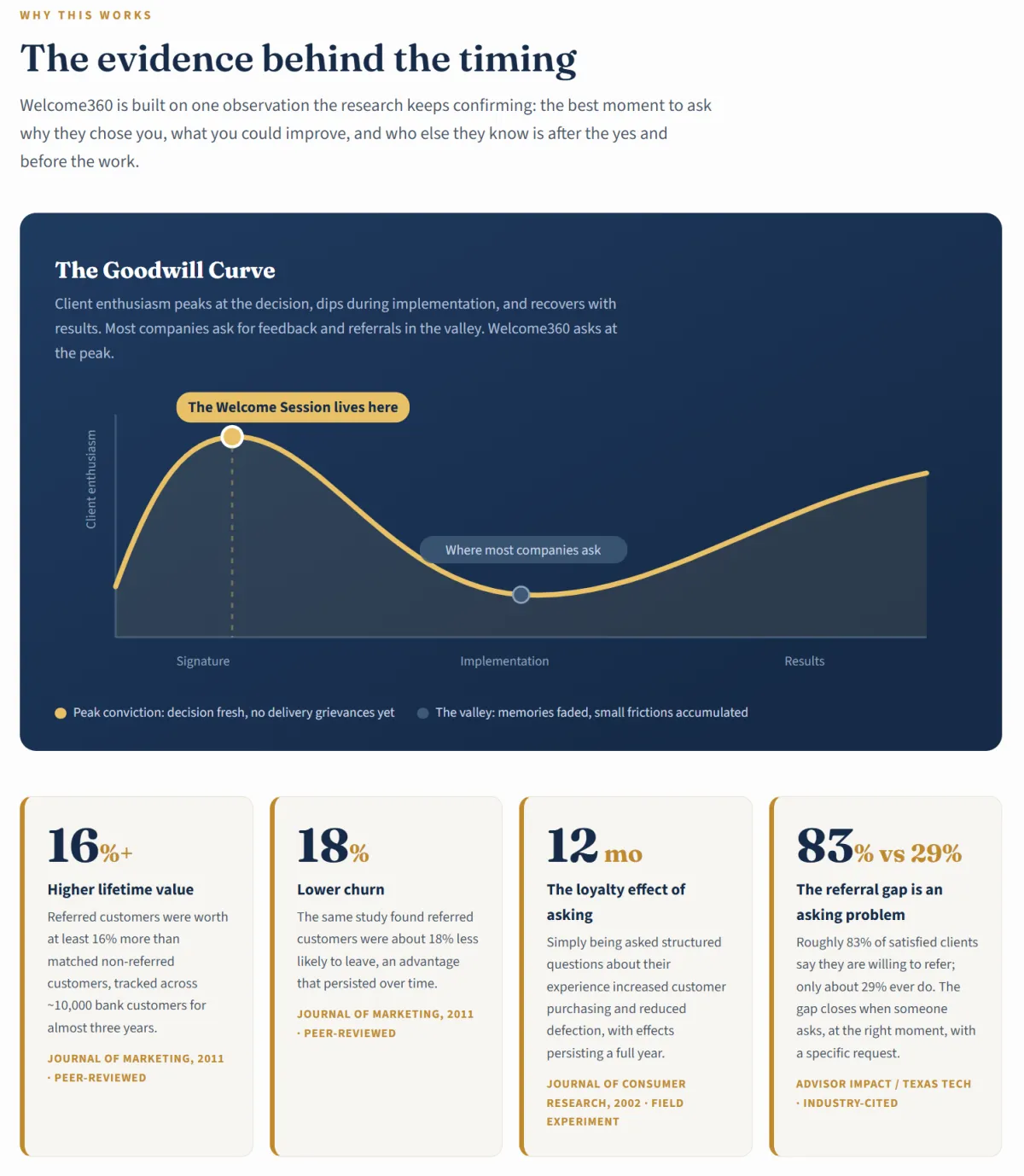
Welcome360 • A Client Growth System: The 45-Minute Meeting That Turns Every New Client Into Referrals.
Discover how the Welcome360 System reveals the exact strategies to:
Ask for Referrals at Peak Goodwill — Before the Honeymoon Ever Fades
FREE AI Insight Miner: Turn One Client Conversation Into 7 Finished Business Assets
Capture the Exact Words Clients Use to Sell You (Then Reuse Them Everywhere)
Close the Feedback Loop That Makes Clients Refer Twice
Sellthrough360 - Flows, Bundling, Upselling Systems for Revenue Generation
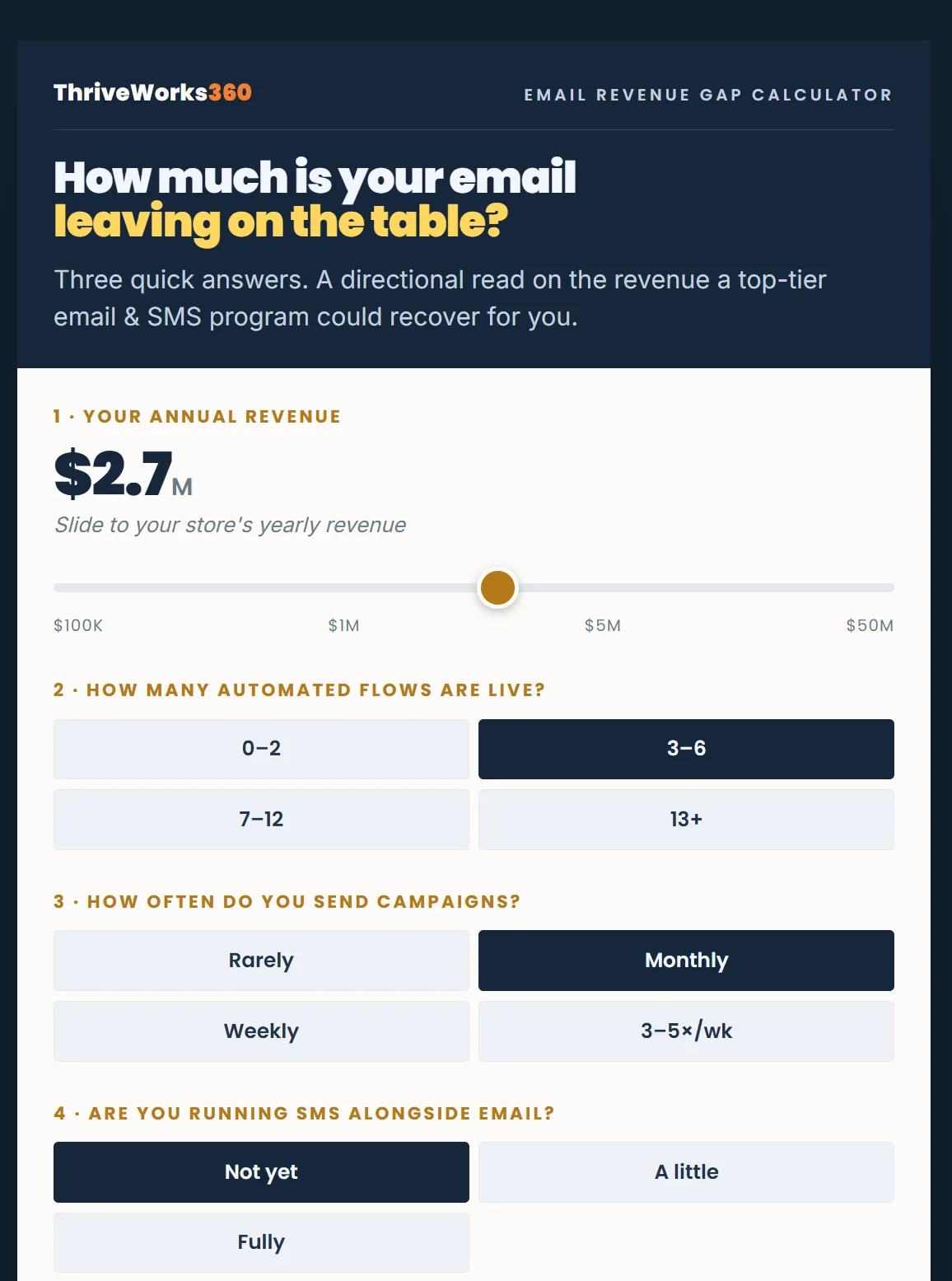
How much is your email leaving on the table?
Three quick answers. A directional read on the revenue a top-tier email & SMS program could recover for you.
Your annual revenue
How many automated flows are live?
How often do you send campaigns?
Are you running SMS alongside email?
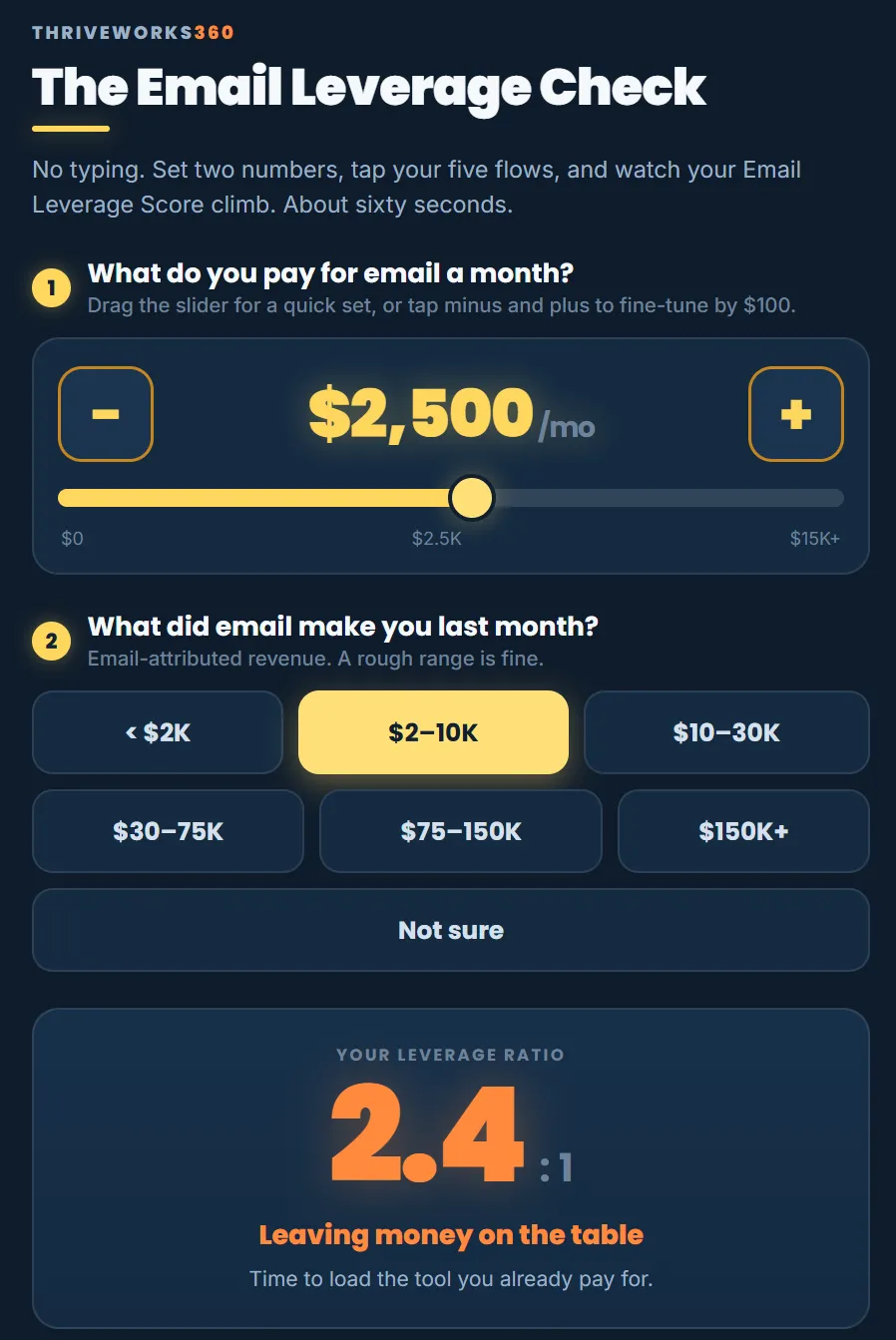
The Email Leverage Check
No typing. Set two numbers, tap your five flows, and watch your Email Leverage Score climb. About sixty seconds.
What do you pay for email a month?
What did email make you last month?
Which of these 5 are running?
Download a printable form
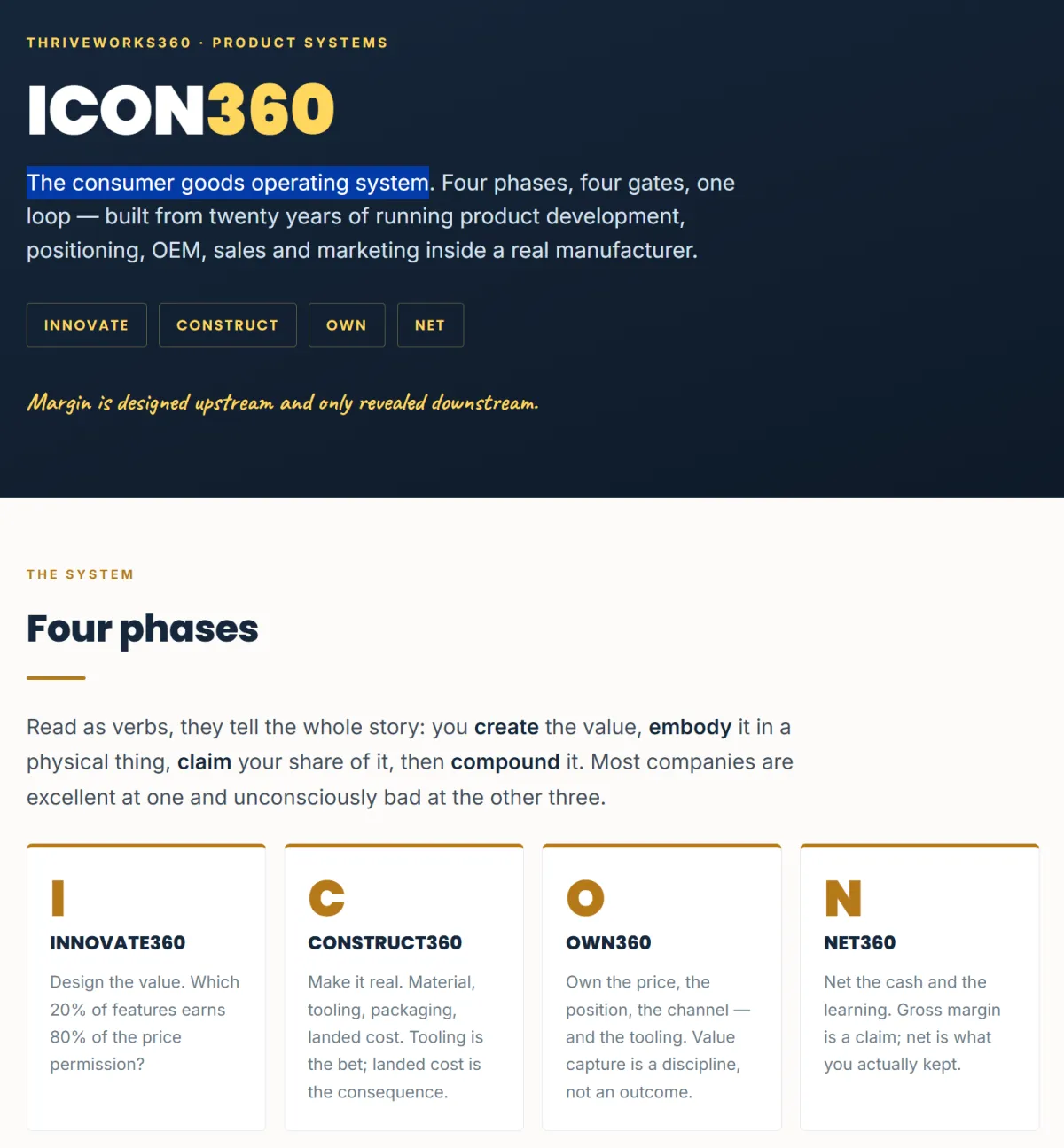
ICON360
The consumer goods operating system.
INNOVATE360 - Design the value. Which 20% of features earns 80% of the price permission?
CONSTRUCT360 - Make it real. Material, tooling, packaging, landed cost. Tooling is the bet; landed cost is the consequence.
OWN360 - Own the price, the position, the channel — and the tooling. Value capture is a discipline, not an outcome.
NET360 - Net the cash and the learning. Gross margin is a claim; net is what you actually kept.
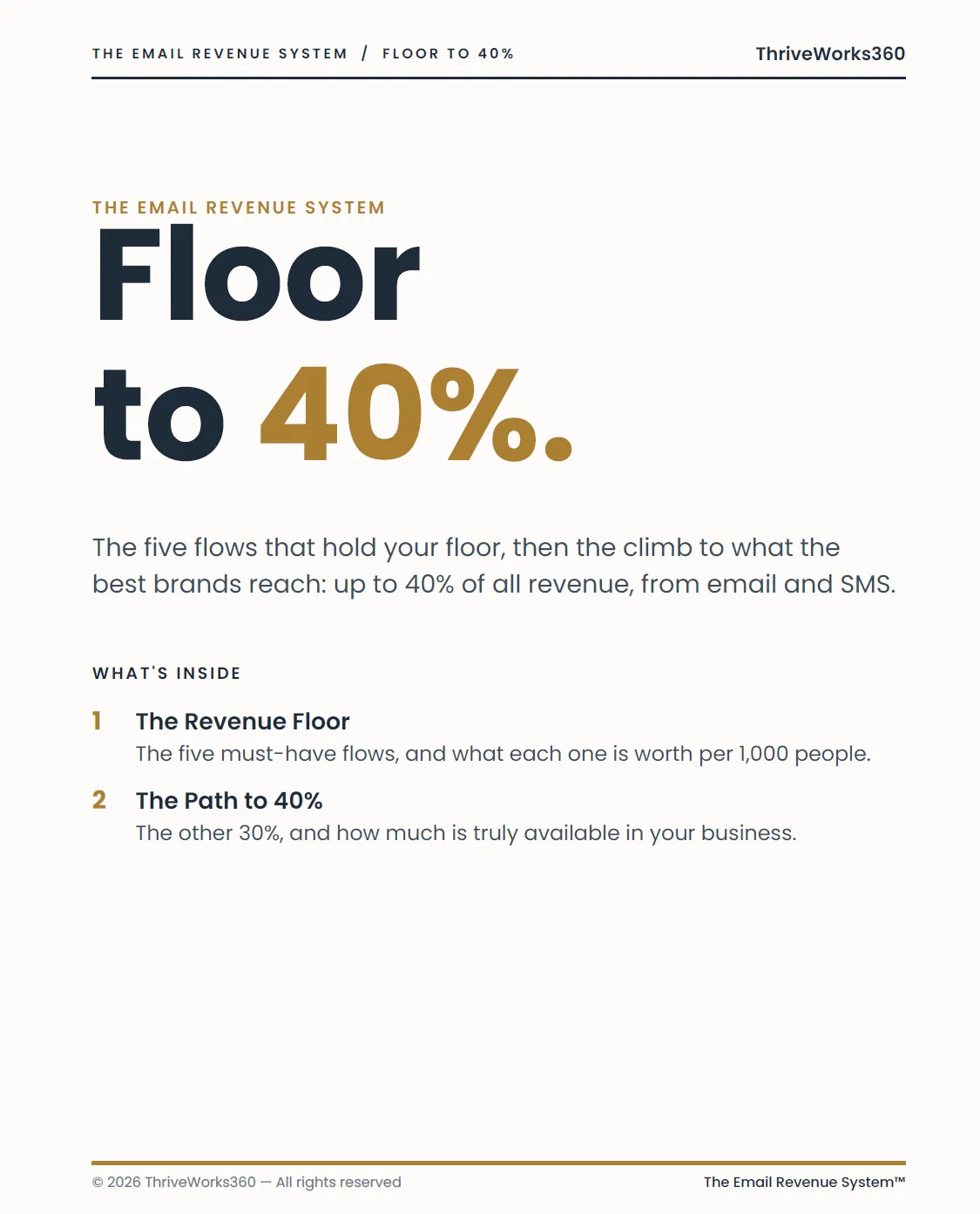
The Email Revenue System Floor to 40%.
The five flows that hold your floor, then the climb to what the best brands reach: up to 40% of all revenue, from email and SMS.
The Revenue Floor - The five must-have flows, and what each one is worth per 1,000 people.What did email make you last month?
The Path to 40% - The other 30%, and how much is truly available in your business.

See the money already in your business, climbing in real time.
Slide in your two numbers, then answer 15 quick questions. Watch the dollar figure move as you go. By the end, you'll know your biggest pocket of found money, the fastest switches to flip, and roughly what it's worth — before you spend a cent on new ads.
Your List
Your Automations
Your Repeat Buyers
Your Offers & Pricing
Your Between-Launch Revenue
Answer all 15 to lock your result
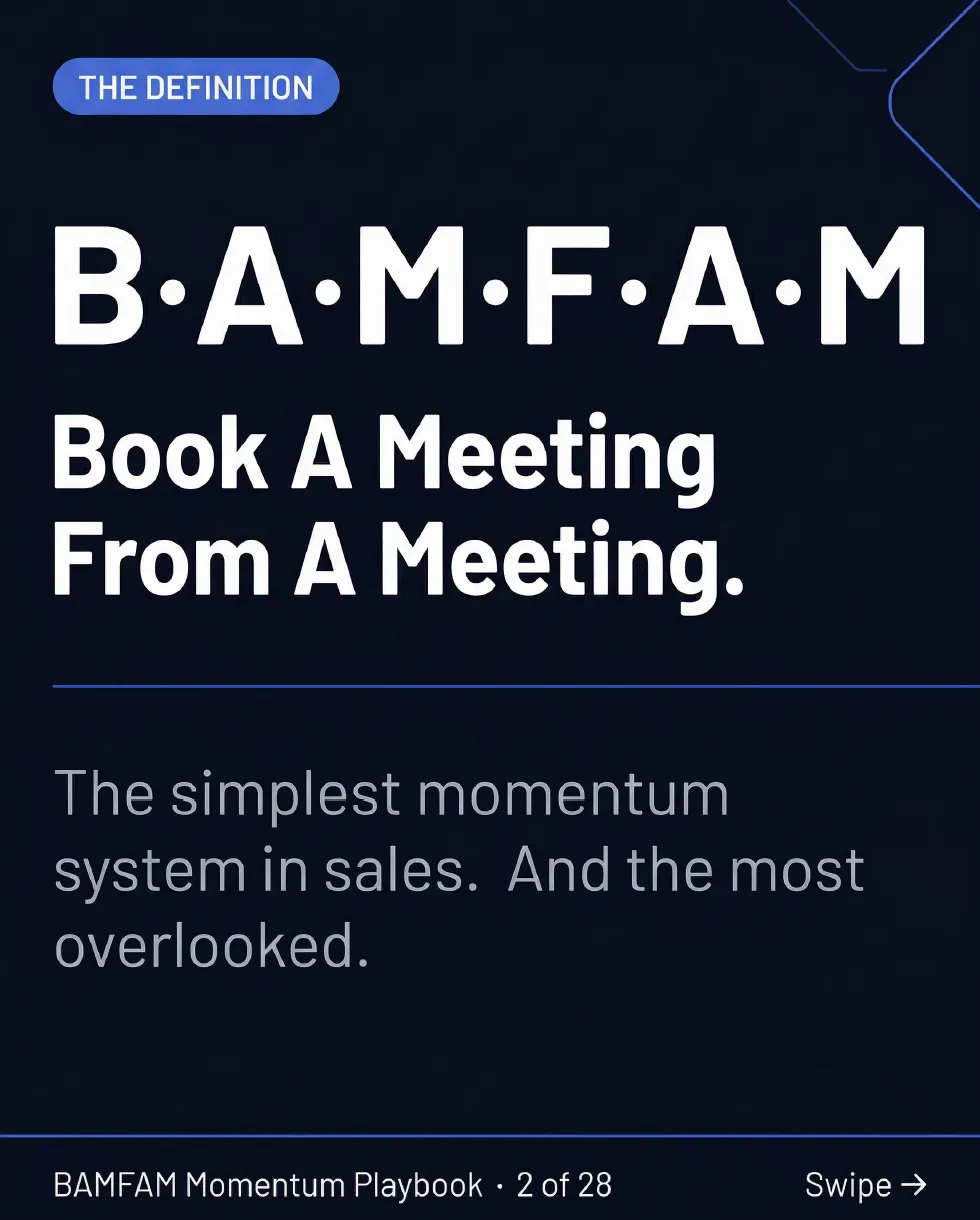
Connect • Clarify • Confirm • Calendar: The 4-Beat Playbook That Ends the Follow-Up Chase.
Discover how the BAMFAM Momentum Playbook reveals the exact strategies to:
Book the Next Meeting While You're Still in the Meeting
Turn "Let Me Get Back to You" Into a Yes (It's Friction, Not Rejection)
Kill the "Just Bumping This Up" Email Forever
Make Momentum Measurable With the Team Scorecard
Stop • Scan • Decide: The 3-Step Playbook to Win the First 51 Seconds.
Discover how the FOCUS360 Playbook reveals the exact strategies to:
FREE GPT Agent to test and build your content
Stop the Scroll on Command
Hold Attention for the First 51 Seconds:
Multiply Conversions With a Single Clear Path:
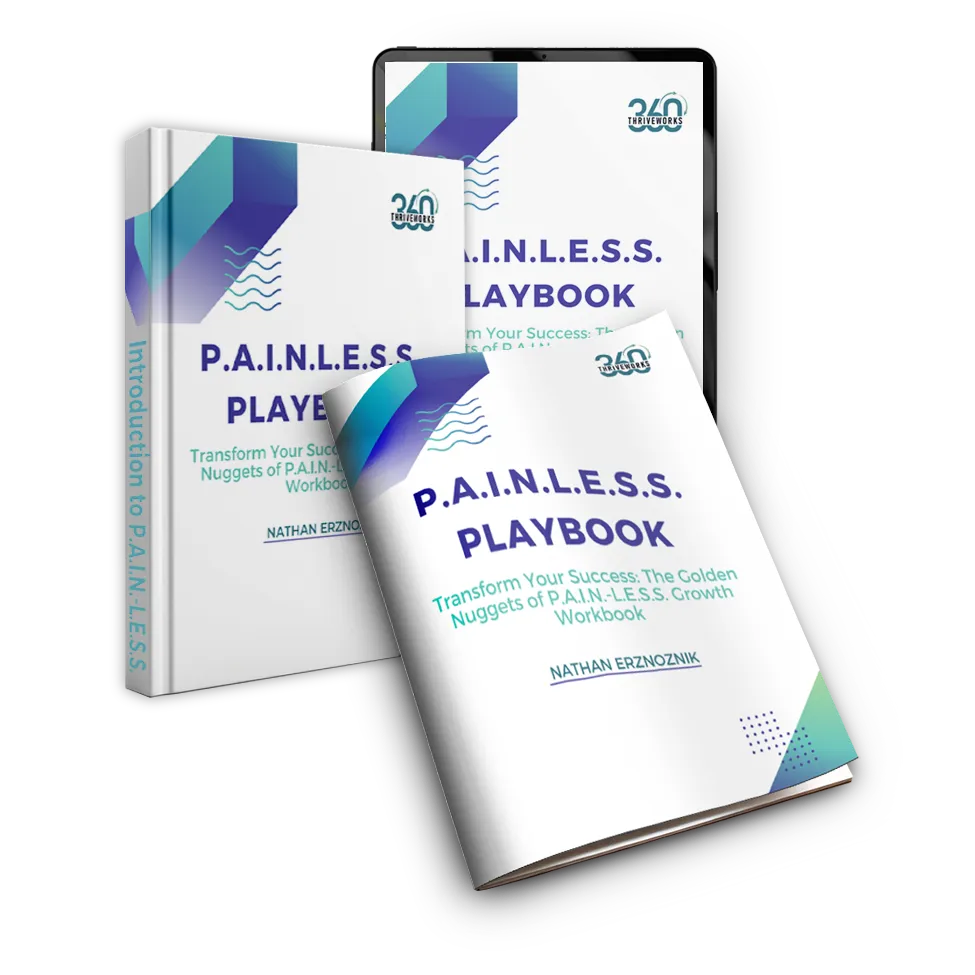
Unlock Your Business’s Full Potential – Without the Pain
Step into the realm of effortless growth with our P.A.I.N.-L.E.S.S. Playbook.
Designed for entrepreneurs who seek the "Golden Nuggets" that transform them and their businesses without the overwhelming stress. This tool shows a simple and streamlined path toward business success.
Take Control of Your Journey with Our Ultimate FREE Autopilot 360 System Masterclass and Cheat Sheet.
Build A Self-Managed Business And Break Through 6-7 Figures To 8 Figures While Seamlessly Producing Huge Profits!


Uncover Hidden Revenue in 3 Simple Steps
See more details about how this impacts business performance.
PAID COURSE
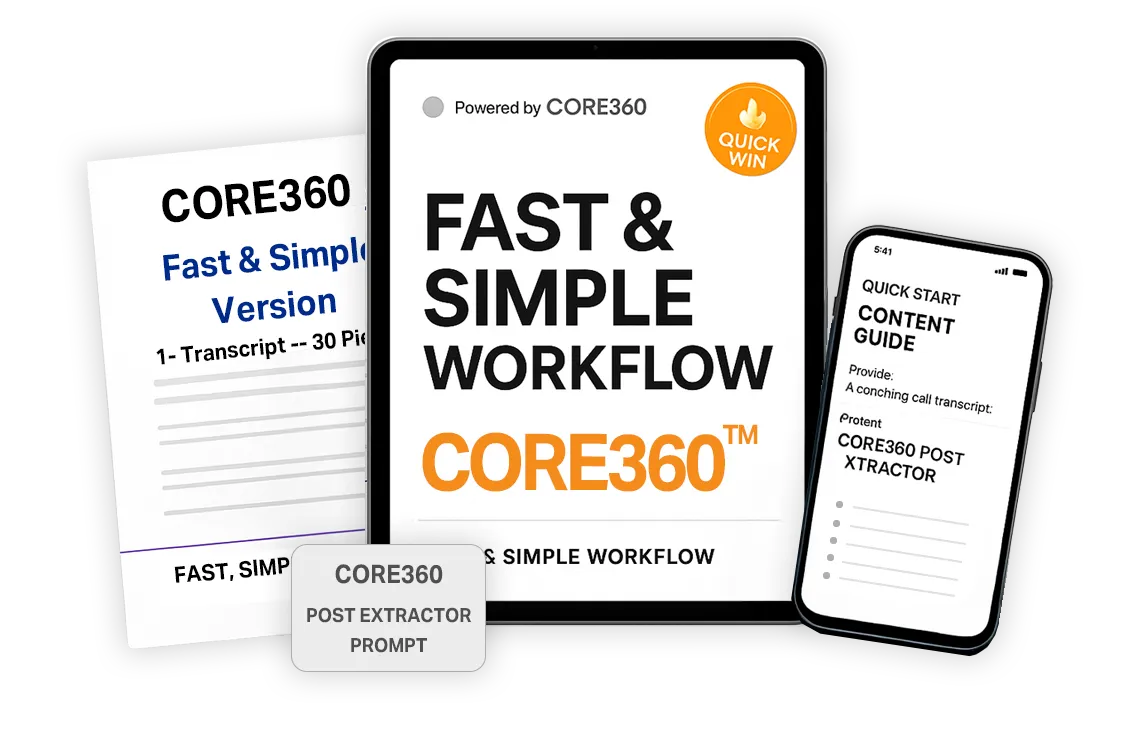
CORE360: Multiply Your Message — Without Writing a Single Word
See how to easliy increase your visibility with the CORE360 System and AI-driven Prompt Booster Pack™
Built for founders and entrepreneurs who already say brilliant things — this AI-optimized vault gives you the exact prompts to turn one voice note into days of content across Instagram, LinkedIn, TikTok, YouTube Shorts, and Facebook.
No burnout. No blank pages. Just scroll-stopping content formulas that match your voice and work on every platform.
A simple upgrade with exponential reach.
BLOG
What Is Business Automation and Where Should You Start?
Almost nobody wakes up and decides they need automation. It creeps in quietly, one repeated task at a time. And trying to automate everything at once is usually the wrong place to begin.
Most businesses don't wake up one morning and decide, "we need automation."
The realization usually arrives a lot more quietly.
Someone is entering the same information into three different systems. A manager is reminding people about approvals by hand. A customer inquiry sits unanswered because the follow-up depends on someone remembering to send an email. Reports take hours to pull together because the information lives in a dozen different spreadsheets.
Each task looks small on its own. But as a business grows, those small manual steps start piling up.
That's where business automation becomes useful.
Business automation isn't about replacing people or handing your whole company over to software. It's about using technology to handle the repetitive, predictable tasks, so your team can spend more time on the work that actually needs judgment, creativity, and a human being.
And you don't need to automate everything to feel the benefit. In fact, trying to automate everything at once is usually the wrong place to start.
What Is Business Automation?
Business automation is using technology to complete repetitive tasks or process steps with less manual involvement.
Think about the everyday things that happen over and over inside a business. Sending confirmation emails. Updating customer records. Assigning tasks. Moving information between systems. Sending reminders. Creating recurring reports. Routing approvals. Following up with leads.
Most of those follow the same basic rules every single time. And when a task is predictable and repeatable, there's often a chance to automate part or all of it.
Picture a customer filling out a form on your website. Without automation, someone has to check the form, copy the details into a CRM, notify the sales team, create a follow-up task, and send the customer a confirmation email.
With the right automation, several of those steps just happen. The customer submits the form. Their information lands in the right system. The right person gets a notification. A follow-up task is created. The customer gets their confirmation.
The team still handles the important conversation. They just spend far less time shuffling information around.
Where Does Workflow Automation Fit In?
Workflow automation is closely related, but it focuses on something specific: how tasks, information, approvals, and responsibilities move through a process.
A workflow is just a sequence of steps. A customer submits a request, the team reviews it, a manager approves it, the customer gets an update.
Without automation, people move that process along by hand. With workflow automation, certain actions automatically trigger the next step. A completed form creates a task. A task marked done triggers an approval request. An approval automatically notifies the customer.
That's why workflow automation is so useful for growing businesses. It cuts down the little handoffs that depend entirely on someone remembering what happens next.
What Are the Benefits of Business Automation?
The most obvious benefit is time. But time savings are only part of the story.
Good automation also improves consistency. When people perform the same task manually over and over, small variations are almost unavoidable. Someone forgets a step. Information gets entered wrong. A follow-up goes out late. A notification lands with the wrong person. Automation makes the predictable parts of a process more consistent.
It can also help a business reduce repetitive admin work, cut down avoidable errors, improve response and turnaround times, smooth out the handoffs between departments, free up employees for higher-value work, make processes easier to track, and support growth without piling on complexity.
But there's an important catch. Automation only works well when the process itself makes sense.
Don't Automate a Broken Process
One of the most common mistakes is starting with the technology instead of the workflow.
Someone sees an automation platform, an AI tool, or a new piece of software and immediately asks, "what can we automate with this?"
A better question is, "what process is creating unnecessary friction in our business?"
Those two questions lead to very different decisions.
If a workflow is full of unnecessary approvals, confusing responsibilities, duplicate data entry, or poorly defined steps, automating it won't fix the problem. You'll just make an inefficient process run faster.
So before you automate anything, map the workflow. What triggers this process? Who's involved? What information is required? Which steps get repeated? Where are people waiting? Where does information get copied by hand? And which steps need judgment, versus which ones just follow rules?
Sometimes the best improvement isn't automation at all. Sometimes it's just removing a step.
What Should You Automate First?
If your business has dozens of processes, picking the first one can feel overwhelming. So start small. Look for a workflow that meets several of these conditions.
It happens frequently. A task that comes up once every six months probably isn't your best first project. A task your team does every day or every week is far more valuable to fix.
It follows clear rules. Automation works best when the next action is predictable. If a customer submits this form, create this task. If an invoice reaches this stage, notify this person. The clearer the rule, the easier it is to automate responsibly.
It requires repetitive manual work. Watch for repeated copying, pasting, updating, sending, assigning, reminding, and moving information around. Those spots often point straight at good automation opportunities.
Mistakes are easy to make. Manual data entry and repeated handoffs create avoidable errors. If a process is predictable but keeps suffering from missed steps, automation can improve consistency.
The result can be measured. Your first automation should produce something you can actually evaluate. Can you measure time saved, fewer manual steps, faster response times, or fewer errors? Measurement is how you tell whether it's really helping.
A Simple Way to Start With Business Automation
Instead of trying to transform the whole company, take automation in stages.
Step 1: Stabilize the process. Start by understanding what happens today. Document the workflow from beginning to end. Remove the unnecessary steps. Clarify responsibilities. Find the bottlenecks. You want to automate a process that's already been simplified as much as it reasonably can be.
Step 2: Automate the right steps. Once the workflow is clear, find the parts that are repetitive and rules-based. Maybe information can move automatically between systems. Maybe a completed action can trigger a notification. Maybe those recurring reminders no longer need to be sent by hand. This is where targeted workflow automation removes friction without adding complexity.
Step 3: Measure what changed. After you put the automation in place, look at the outcome. Did the process get faster? Did the team save time? Did errors drop? Did people stop doing unnecessary admin work? If yes, you now have evidence the approach works.
Step 4: Expand carefully. Once one workflow is running well, look for the next one. Over time, those individual improvements add up to a much more connected operating system. That's a lot safer than attempting a giant automation overhaul before you understand what actually needs to change.
Common Business Automation Mistakes
Automation can create real improvements, but the wrong approach introduces new problems. Watch for these.
Choosing the tool before the problem. Don't start with software features. Start with operational friction. The technology should support the process, not define it.
Automating too much at once. A big automation project sounds ambitious, but it also creates more dependencies and more places for something to break. A focused first project is easier to test, improve, and measure.
Removing humans from decisions that need judgment. Not every task should be automated. Customer conversations, unusual situations, strategic decisions, and sensitive approvals often still need a person. The goal isn't to remove people. It's to remove the unnecessary manual work around them.
Ignoring what happens after. Processes change. Teams change. Software changes. Your automation should get reviewed now and then to make sure it still fits how the business actually operates.
How FLOW360 Fits Into the Automation Conversation
The biggest question usually isn't "can this be automated?" Modern technology can automate plenty. The more valuable question is, "should this be automated, and what should happen first?"
That takes looking beyond individual tasks. You have to understand how people, processes, systems, and information work together across the business.
That's where a structured approach like FLOW360 helps. Rather than jumping straight into new technology, the idea is to identify the friction, understand the current workflow, improve the process, and then work out where automation can create real value. It turns automation from a pile of disconnected tools into part of a clearer operating strategy.
Frequently Asked Questions
Is business automation only for large companies?
No. Smaller businesses often benefit more, because employees usually juggle several responsibilities at once. Removing repetitive admin work can hand a small team real extra capacity.
What processes are easiest to automate?
Ones that are frequent, repetitive, rules-based, and predictable. Think notifications, task assignments, data transfers, reminders, routine follow-ups, and approval routing.
Should every repetitive task be automated?
Not necessarily. Weigh the effort involved, how often the task happens, the risk, and the value it would create. Sometimes simplifying or removing the task is the better move.
How do I know where to start?
Pick one workflow that creates noticeable friction. Map the current process, remove the unnecessary steps, and look for repetitive actions that follow clear rules. Start there before expanding into anything more complex.
Start With the Workflow, Not the Technology
Business automation doesn't need to begin with a massive transformation project. It can start with one frustrating process. One repeated handoff. One task your team does again and again.
Understand that workflow first. Simplify what you can. Then automate the parts where technology genuinely removes friction.
That approach makes automation easier to manage, easier to measure, and far more likely to support the business instead of adding another layer of complexity.
If you're not sure where your best automation opportunities are, book a call here. I'd like to hear how your business runs today and help you spot the gaps, so you start with the workflow that will actually make a difference, not just the shiniest tool.
Not ready to talk yet? Join our free community here for more on building operations that scale without the chaos.
ThriveWorks360


Free Weekly Productivity Insights
Sign up for Sunday Snippets - my weekly newsletter where I I share actionable productivity tips, practical life advice, and high-quality insights from across the web, directly to your inbox.
What People Are Saying

Driving Growth, Amplifying Impact

Grace Company

8th to 2nd most recognized brands in the industry in one year

J&B Sewing
Launched new product line and grew 300% in two years

Sewrite
Increased national distribution, D2C Revenue by 400%.
Get In Touch
Email: [email protected]
Address
Office: 14881 S. Auburn Sky Dr
Assistance Hours
Mon – Sat 9:00am – 8:00pm
Sunday – CLOSED
Phone Number:
(888) 870-7314
Contact Us:
BECOME AN TW360 INSIDER
Sign up for exlcusive content, emails, & things Nathan doesn't share anywhere else.
Unleash Your Business Brilliance.
Reach out and connect for your opportunity to shine!
© 2026 ThriveWorks360 - All Rights Reserved, copyright 2024