Free Tools & Resources
Everything You Need to See What's Broken and Fix It.
These tools are used inside real $1M–$20M businesses. Pick the one that matches where you're stuck, and start there.
Free Tools
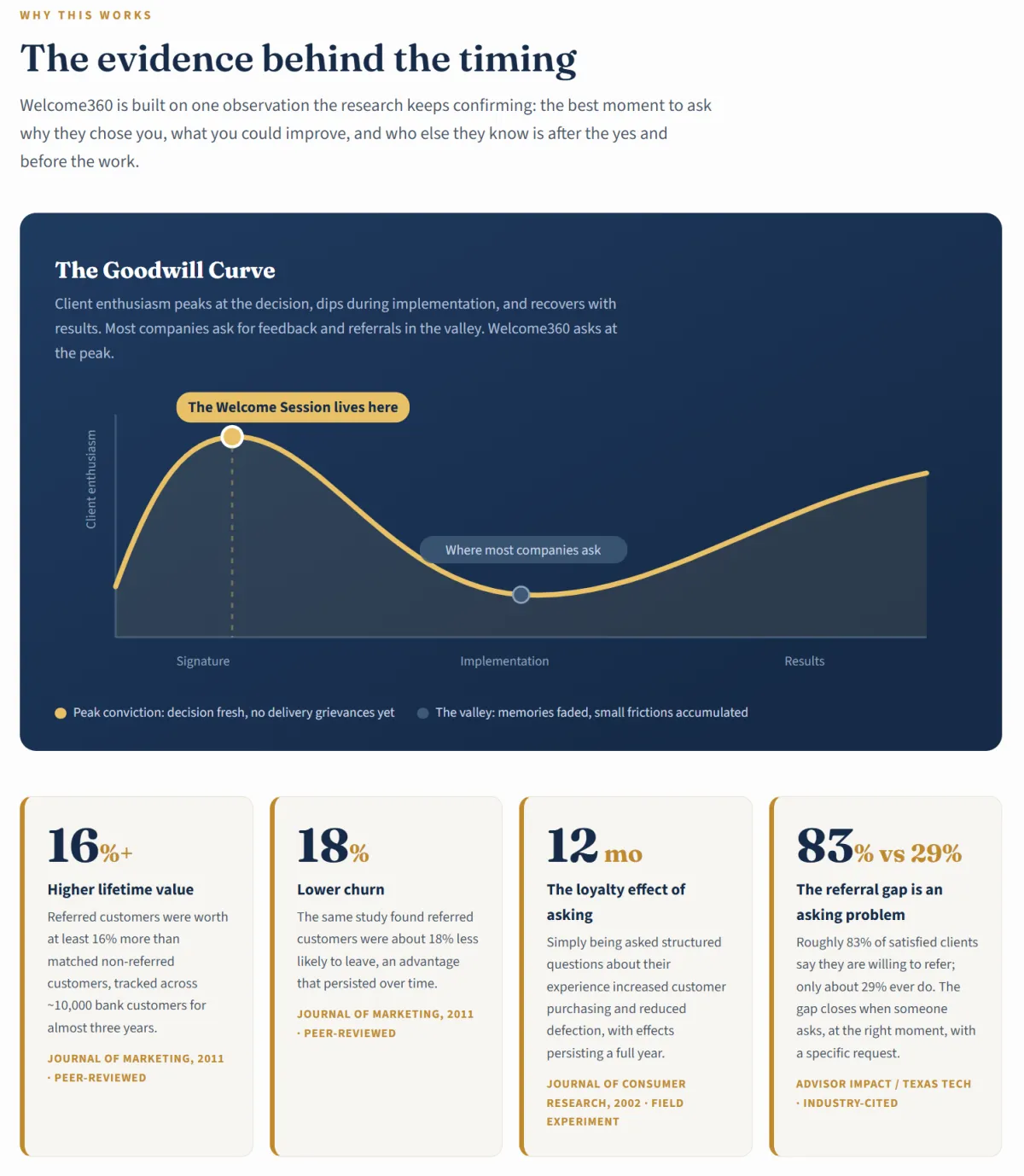
Welcome360 • A Client Growth System: The 45-Minute Meeting That Turns Every New Client Into Referrals.
Discover how the Welcome360 System reveals the exact strategies to:
Ask for Referrals at Peak Goodwill — Before the Honeymoon Ever Fades
FREE AI Insight Miner: Turn One Client Conversation Into 7 Finished Business Assets
Capture the Exact Words Clients Use to Sell You (Then Reuse Them Everywhere)
Close the Feedback Loop That Makes Clients Refer Twice
Sellthrough360 - Flows, Bundling, Upselling Systems for Revenue Generation
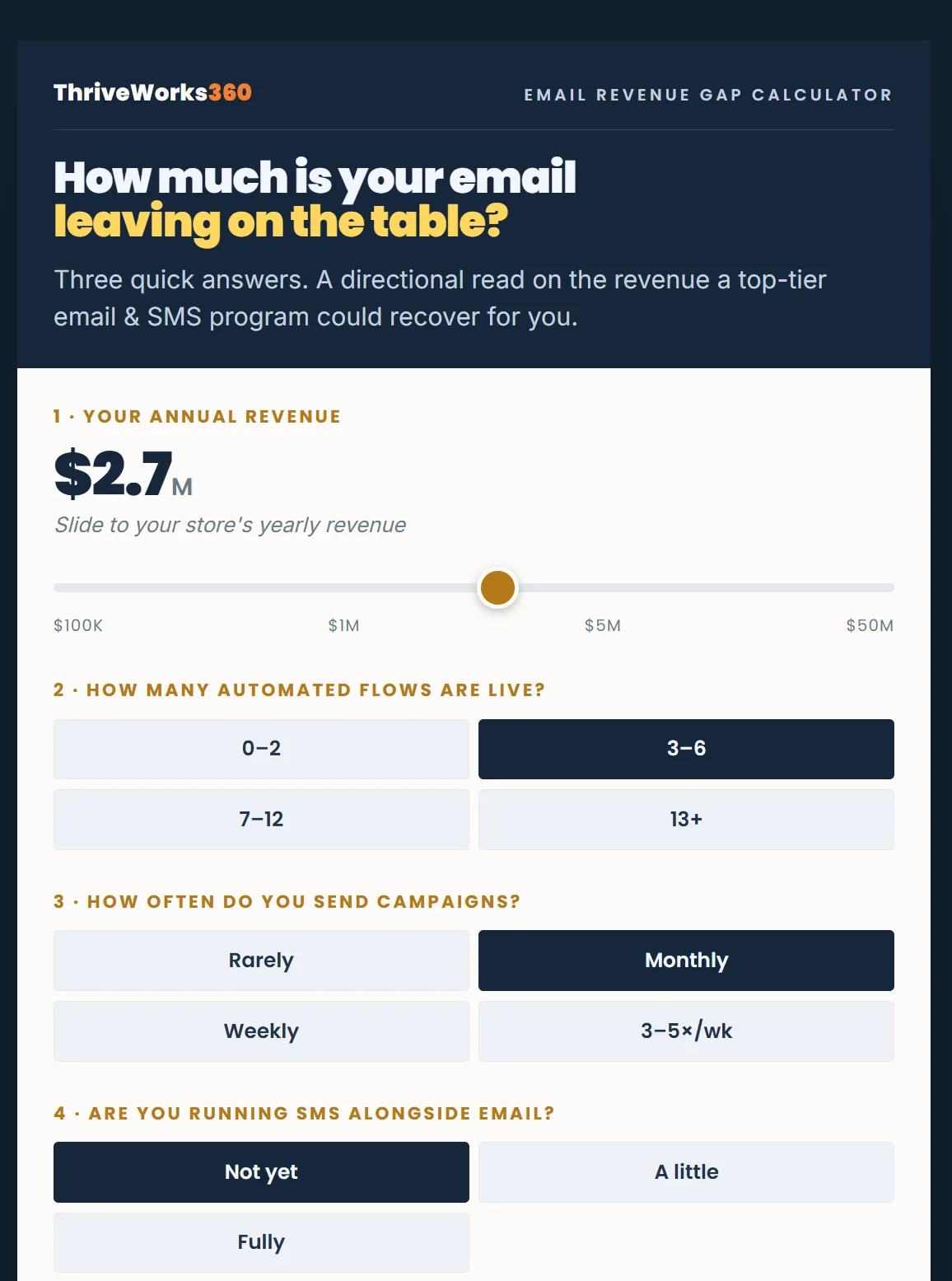
How much is your email leaving on the table?
Three quick answers. A directional read on the revenue a top-tier email & SMS program could recover for you.
Your annual revenue
How many automated flows are live?
How often do you send campaigns?
Are you running SMS alongside email?
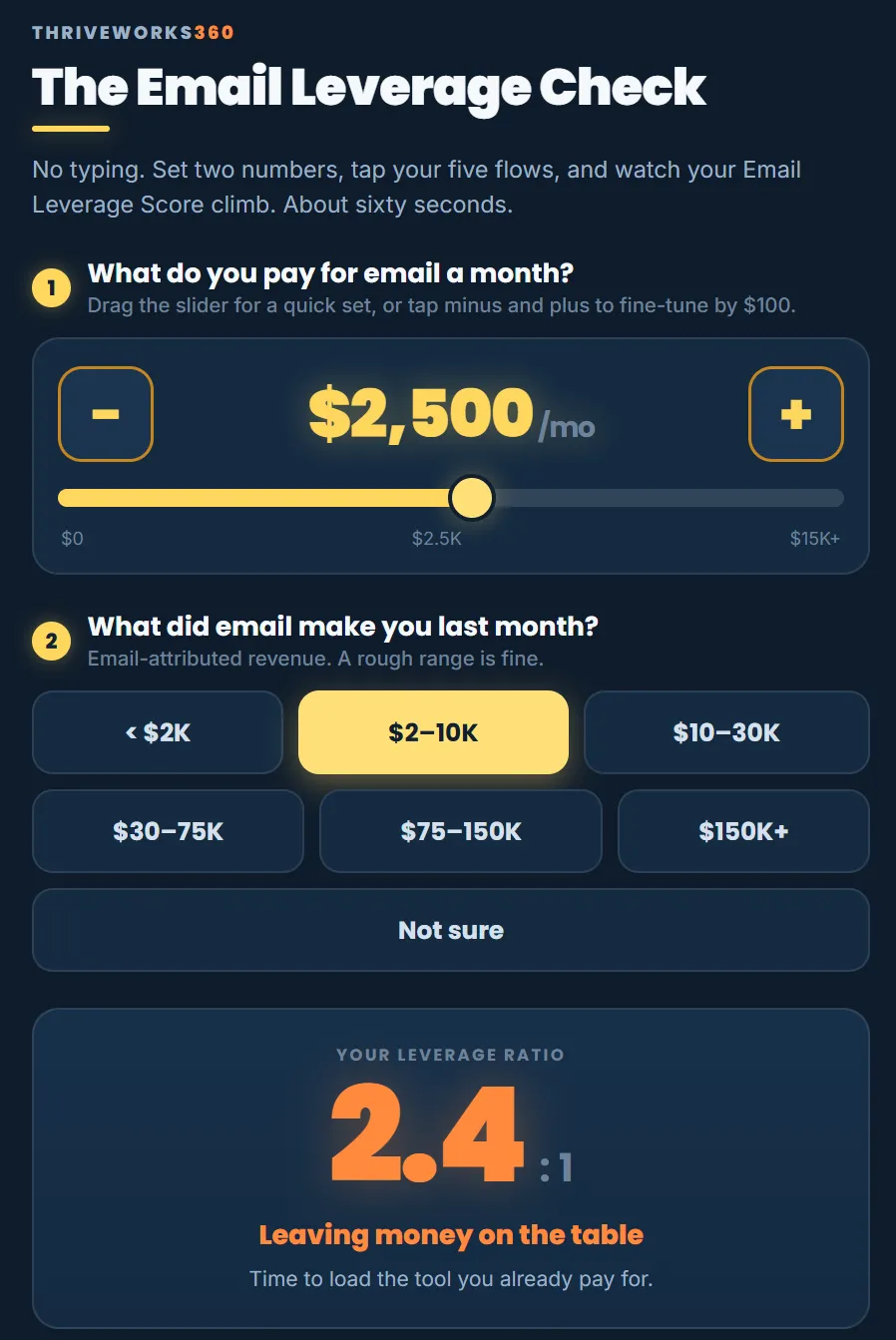
The Email Leverage Check
No typing. Set two numbers, tap your five flows, and watch your Email Leverage Score climb. About sixty seconds.
What do you pay for email a month?
What did email make you last month?
Which of these 5 are running?
Download a printable form
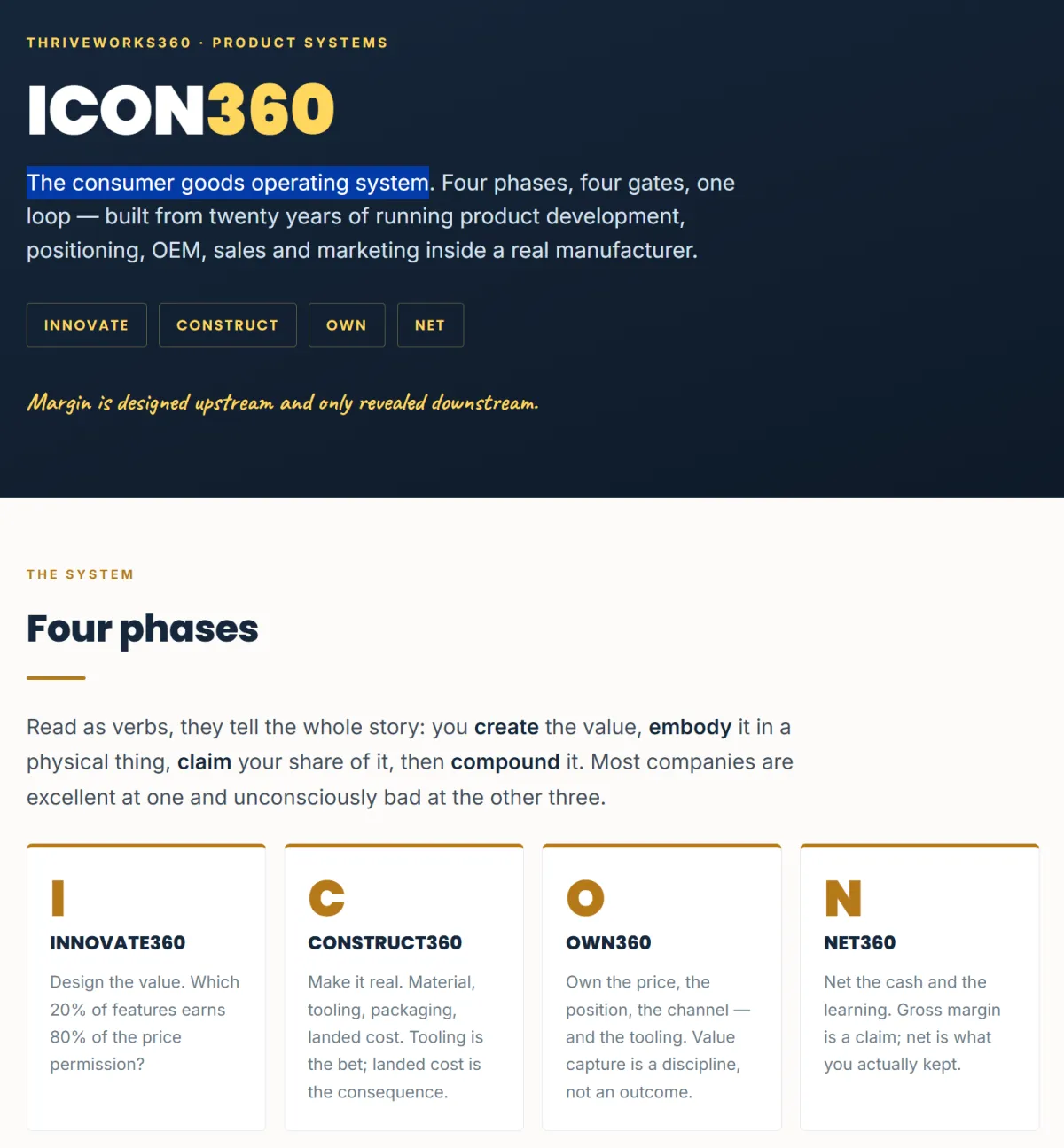
ICON360
The consumer goods operating system.
INNOVATE360 - Design the value. Which 20% of features earns 80% of the price permission?
CONSTRUCT360 - Make it real. Material, tooling, packaging, landed cost. Tooling is the bet; landed cost is the consequence.
OWN360 - Own the price, the position, the channel — and the tooling. Value capture is a discipline, not an outcome.
NET360 - Net the cash and the learning. Gross margin is a claim; net is what you actually kept.
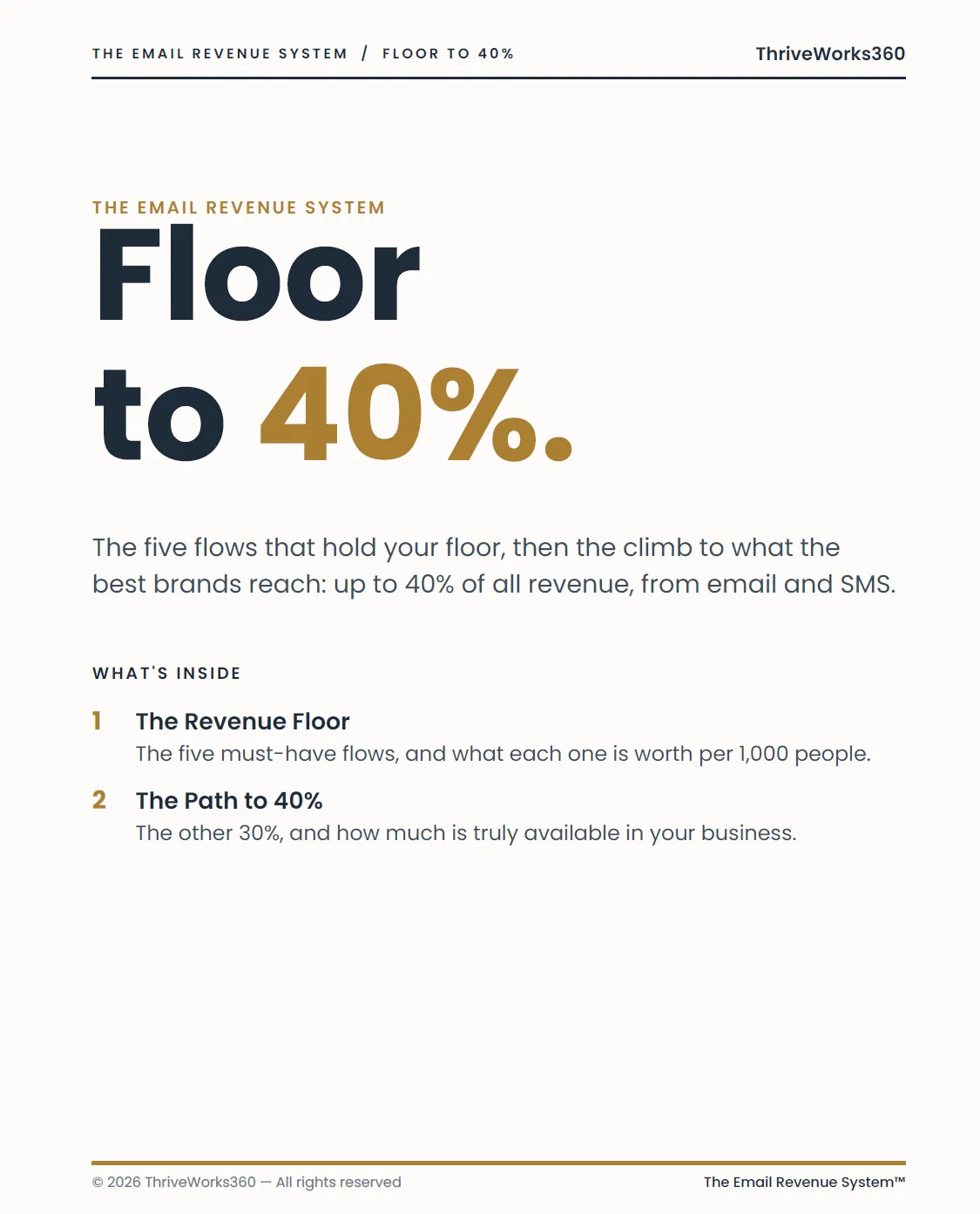
The Email Revenue System Floor to 40%.
The five flows that hold your floor, then the climb to what the best brands reach: up to 40% of all revenue, from email and SMS.
The Revenue Floor - The five must-have flows, and what each one is worth per 1,000 people.What did email make you last month?
The Path to 40% - The other 30%, and how much is truly available in your business.

See the money already in your business, climbing in real time.
Slide in your two numbers, then answer 15 quick questions. Watch the dollar figure move as you go. By the end, you'll know your biggest pocket of found money, the fastest switches to flip, and roughly what it's worth — before you spend a cent on new ads.
Your List
Your Automations
Your Repeat Buyers
Your Offers & Pricing
Your Between-Launch Revenue
Answer all 15 to lock your result
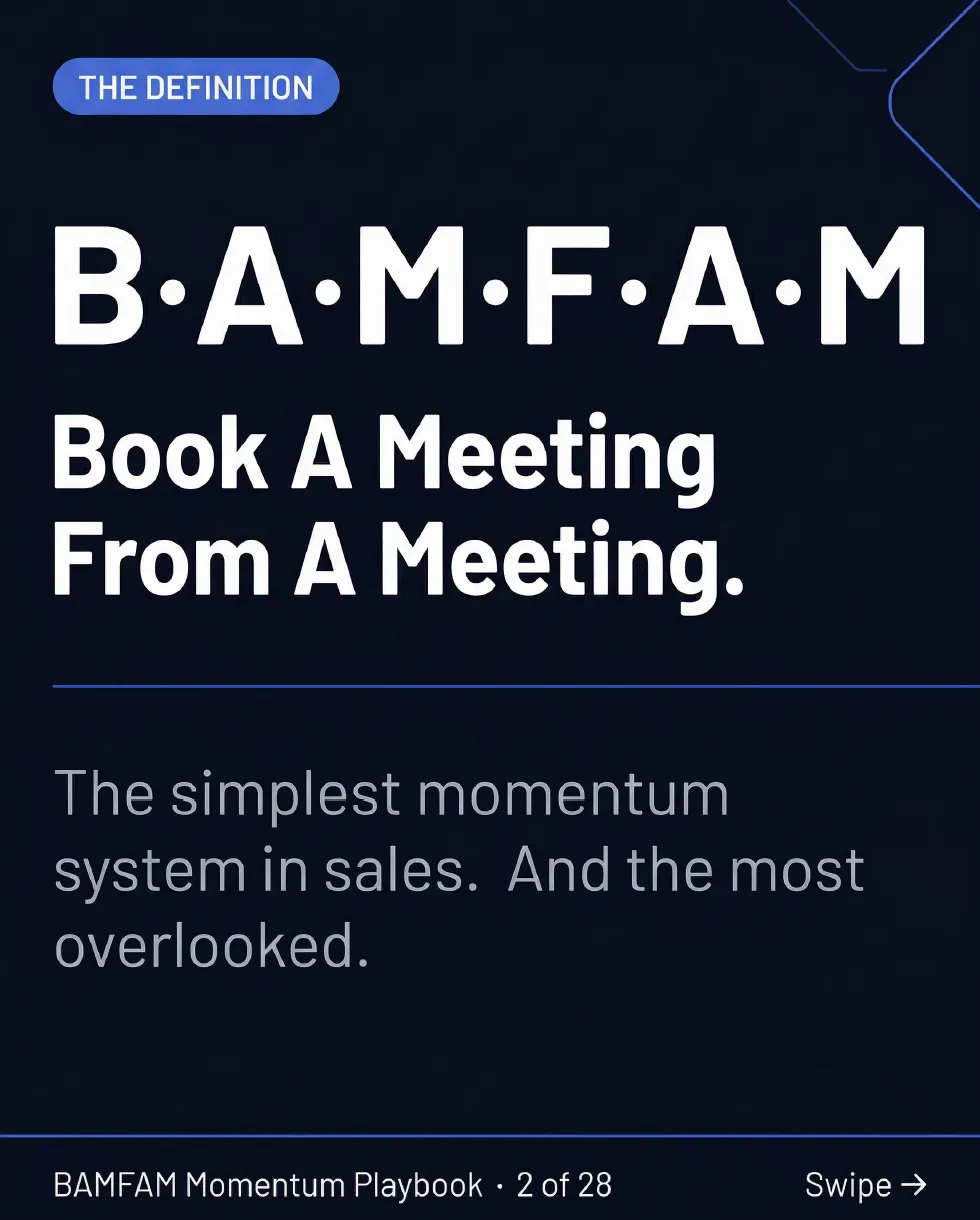
Connect • Clarify • Confirm • Calendar: The 4-Beat Playbook That Ends the Follow-Up Chase.
Discover how the BAMFAM Momentum Playbook reveals the exact strategies to:
Book the Next Meeting While You're Still in the Meeting
Turn "Let Me Get Back to You" Into a Yes (It's Friction, Not Rejection)
Kill the "Just Bumping This Up" Email Forever
Make Momentum Measurable With the Team Scorecard
Stop • Scan • Decide: The 3-Step Playbook to Win the First 51 Seconds.
Discover how the FOCUS360 Playbook reveals the exact strategies to:
FREE GPT Agent to test and build your content
Stop the Scroll on Command
Hold Attention for the First 51 Seconds:
Multiply Conversions With a Single Clear Path:
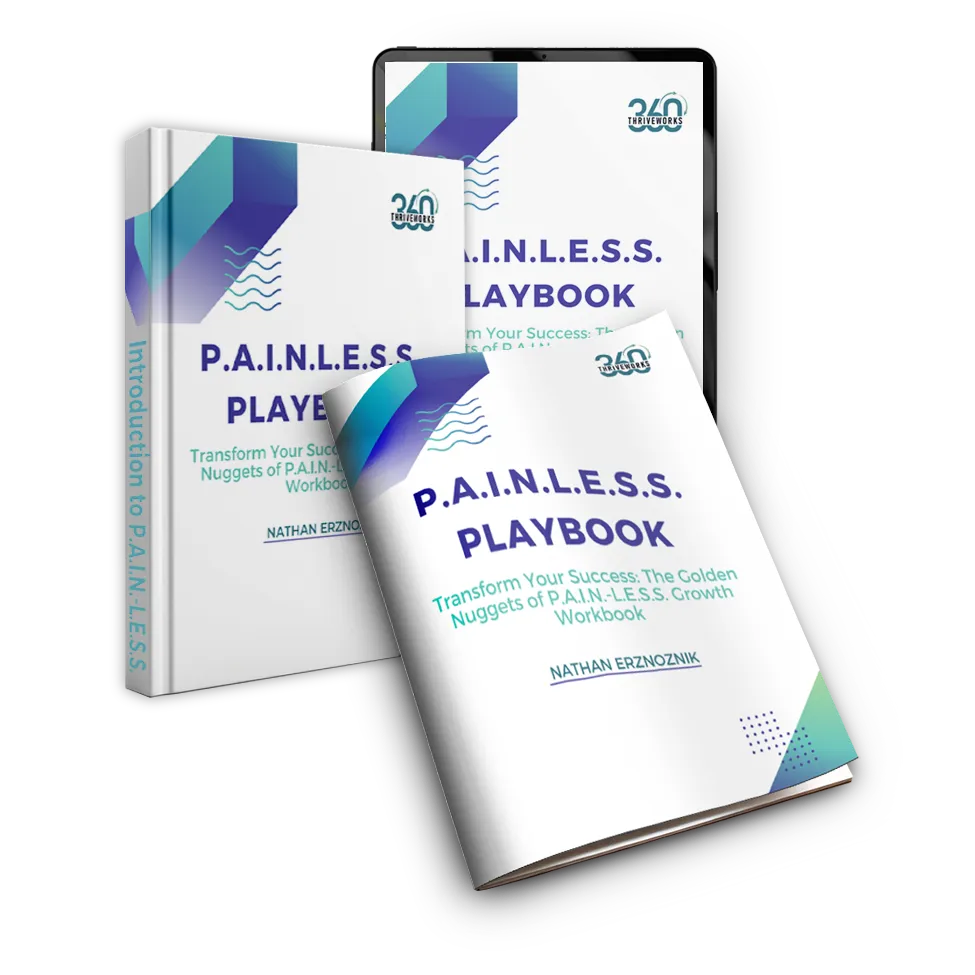
Unlock Your Business’s Full Potential – Without the Pain
Step into the realm of effortless growth with our P.A.I.N.-L.E.S.S. Playbook.
Designed for entrepreneurs who seek the "Golden Nuggets" that transform them and their businesses without the overwhelming stress. This tool shows a simple and streamlined path toward business success.
Take Control of Your Journey with Our Ultimate FREE Autopilot 360 System Masterclass and Cheat Sheet.
Build A Self-Managed Business And Break Through 6-7 Figures To 8 Figures While Seamlessly Producing Huge Profits!


Uncover Hidden Revenue in 3 Simple Steps
See more details about how this impacts business performance.
PAID COURSE
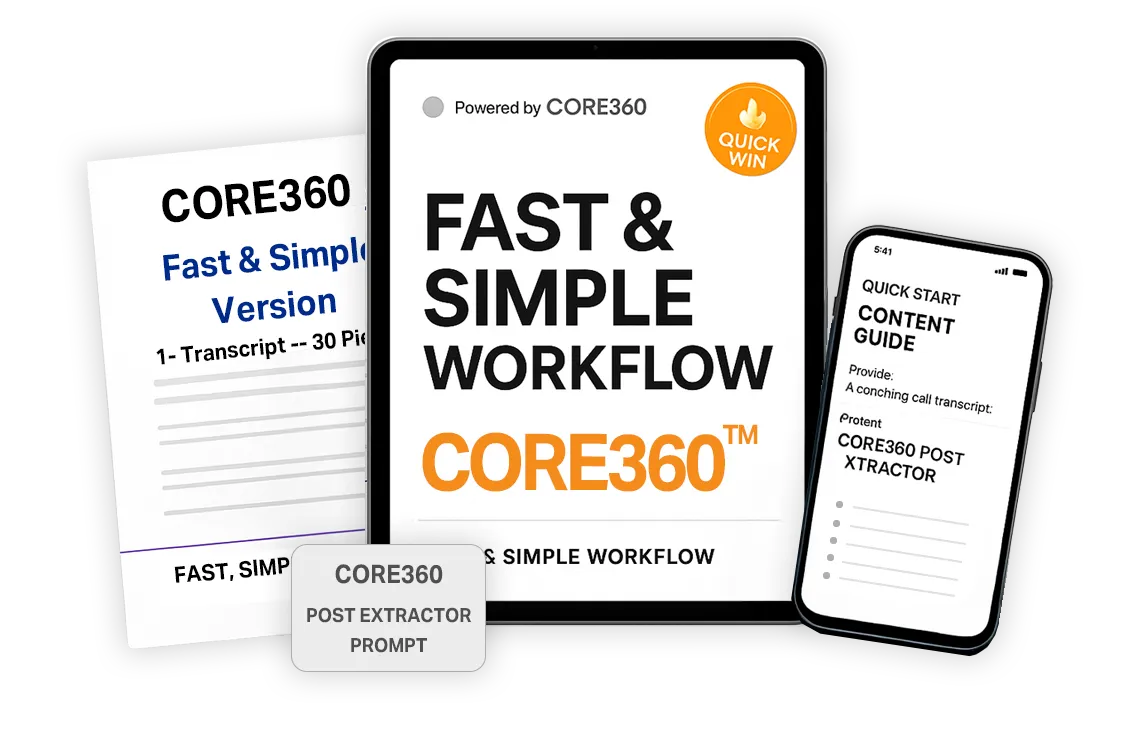
CORE360: Multiply Your Message — Without Writing a Single Word
See how to easliy increase your visibility with the CORE360 System and AI-driven Prompt Booster Pack™
Built for founders and entrepreneurs who already say brilliant things — this AI-optimized vault gives you the exact prompts to turn one voice note into days of content across Instagram, LinkedIn, TikTok, YouTube Shorts, and Facebook.
No burnout. No blank pages. Just scroll-stopping content formulas that match your voice and work on every platform.
A simple upgrade with exponential reach.
BLOG
How to Build Standard Operating Procedures That Scale
A 12-page SOP nobody opens won't make your business more scalable. The goal isn't documentation. It's procedures people can actually find, follow, and improve.
Growth exposes process problems.
A workflow that runs perfectly with five people in the room can get surprisingly messy when the team grows to 15, 30, or 50. Questions multiply. Employees do the same task different ways. Managers spend more time explaining routine work. And important knowledge stays locked in the heads of a few experienced people.
That's where standard operating procedures earn their place.
But documenting a process isn't enough on its own. A 12-page document sitting untouched in a shared folder won't make your business more scalable. The goal is to create SOPs people can actually find, understand, follow, and improve.
A good SOP template gives you the structure to do that consistently. The bigger goal, though, is better operations. Clearer ownership. Repeatable execution. Easier delegation. And documentation that evolves with the company instead of going stale the moment something changes.
Here's how to build SOPs that grow with your business.
What Makes an SOP Scalable?
A scalable SOP does more than describe how a task gets done. It makes the process repeatable without the person who created it standing nearby.
That distinction matters.
Imagine a new employee is responsible for processing a recurring customer request. If the instructions say, "handle the request according to our normal procedure," the company technically has documentation. It does not have a useful SOP.
A scalable SOP answers the practical questions. When does this process begin? Who owns it? What needs to happen, and in what order? What does successful completion look like? What happens when something goes wrong? And where does the employee find related information?
The easier those are to answer, the less the process depends on tribal knowledge. And that's what lets the business delegate with confidence.
Start With the Processes That Matter Most
One of the biggest SOP mistakes is trying to document the entire company at once.
You don't need an SOP for every task by Friday. Start with the processes creating the most friction.
Look for activities that get repeated often, involve several people, generate recurring questions, or cause problems when one specific employee is out. Good candidates might include customer onboarding, order processing, invoice approval, new employee setup, sales handoffs, project kickoff, quality checks, reporting, and support escalation.
Another useful question is simple: what process would create a problem tomorrow if the person who knows it best were unavailable? That's usually a strong place to begin.
Prioritizing high-impact workflows keeps the project manageable. It also gives your team a chance to build a process for creating SOPs before expanding it across the whole company.
Build a Consistent SOP Template
Every department may have different workflows, but employees shouldn't have to relearn how to read an SOP every time they open one. Consistency makes documentation easier to create and easier to use.
A practical template can include a few fields. The purpose, so people know why the process exists. The trigger that starts it. The owner responsible for making sure it gets done. The users, or which roles take part. The information or tools needed before work begins. The steps, in sequence. The quality standard that defines "done correctly." The exceptions, for when the normal process doesn't apply. The related documentation. And the review information, covering who maintains it and when it should be checked.
Not every procedure needs every field. A simple recurring task might only need a short checklist. The point isn't to make documentation longer. It's to make it predictable.
Document the Process as It Actually Happens
There's often a gap between the process leadership believes exists and the one employees actually follow. That gap can make an SOP useless.
Say a manager describes an approval process as four steps. The employee doing the work explains it's really seven, because information is regularly missing, a spreadsheet has to be updated by hand, and another department has to confirm the final number.
Documenting the four-step version looks cleaner. It also hides the real operational problem.
So start by walking through the current process with the people who perform it. Ask where they get stuck. Ask what information they need. Ask which exceptions happen regularly. Your first job is to understand reality. Optimization comes next.
Write for the Person Doing the Work
An SOP isn't an internal policy essay. It's a working tool. Employees should be able to scan it fast and know exactly what to do.
Instead of writing "upon receipt of the relevant customer documentation, the responsible team member should initiate the appropriate internal processing procedure," write "once the customer submits the required documents, open the account record and complete the following steps."
Specific language reduces guesswork. Where it helps, add screenshots, examples, decision rules, or links to the exact tools people need.
And keep each step focused. If one bullet requires four separate actions and three decisions, it probably needs to be broken apart. Good documentation reduces mental load. It should make the work easier, not feel like extra reading.
Test the SOP Before Calling It Finished
The person who documents a process often knows it too well to notice what's missing. That's why testing matters.
Give the SOP to someone who understands the role but doesn't know the process intimately. Ask them to complete the task using only the documentation. Then watch where they hesitate.
Maybe a system field has two similar names. Maybe an approval condition was assumed instead of written down. Maybe Step 4 needs information that was never collected in Steps 1 through 3.
Those moments are valuable. They show you exactly where knowledge still lives in someone's head instead of inside the process. Treat the first version as a working draft. Test it, improve it, then standardize it.
Make the Documentation Easy to Find
Even excellent SOPs fail when employees can't find them.
If procedures are scattered across email attachments, old Google Docs, employee desktops, project-management comments, and shared drives, the company still runs on memory.
Choose one clear home for your documentation. Then set simple rules for organizing it, like a consistent naming system for department, process, and version. And avoid multiple unofficial versions of the same SOP floating around, because employees need to know which document is current.
The objective is simple. When someone has a process question, they should know exactly where to look before asking a manager.
Give Every SOP an Owner
Documentation without ownership slowly becomes history.
Systems change. Roles shift. Customers ask for something new. Software screens get redesigned. A process that was accurate six months ago may no longer match reality.
So assign an owner to every important SOP. That person doesn't have to perform every step. Their job is to keep the documentation accurate.
Set a review schedule based on how fast the process changes. Stable procedures may only need occasional reviews, while fast-moving ones need attention whenever the tools, responsibilities, or requirements change. The important part is accountability. Someone should be responsible for asking, does this still reflect how the work should happen?
Avoid These Common SOP Mistakes
Businesses often create documentation with good intentions and still can't get anyone to use it. A few problems show up again and again.
Making SOPs too detailed. More information doesn't automatically create more clarity. Document what people need to execute correctly, and move background information elsewhere when it isn't required for the task.
Documenting the ideal instead of reality. If the written process ignores the workarounds employees use every day, people will ignore the documentation too. Understand the current workflow before you redesign it.
Creating SOPs without owners. A document nobody maintains eventually becomes unreliable.
Ignoring the people who use the process. The employees closest to the work usually know exactly where it breaks down. Include them when you document and test it.
Treating SOP creation as a one-time project. Your company will change. Your procedures should change with it.
A Simple SOP Scalability Checklist
Before rolling out a procedure, ask yourself: Is the purpose clear? Is there one identifiable owner? Can employees tell what triggers the process? Are the steps in the right order? Can a reasonably trained employee follow it without constant help? Are exceptions addressed? Is the expected outcome clear? Can employees find the SOP easily? Has someone tested it? And is there a process for reviewing and updating it?
If several answers are no, the SOP probably isn't ready to scale.
From Documentation to a Scalable Operating System
SOP creation works best in stages.
First, stabilize the operation. Identify the critical workflows, remove the obvious confusion, clarify ownership, and document the processes that create the most dependency or inconsistency.
Next, catalyze improvement. Test those processes with the people who use them, cut the unnecessary steps, strengthen the handoffs, and create consistent documentation standards across teams.
Then, maximize the system. Use established processes to make delegation easier, support training, spot automation opportunities, and build stronger visibility across the organization.
This is where an approach like FLOW360 becomes relevant. The goal isn't a bigger pile of documents. It's understanding how work flows through the organization, where the gaps are, and where clearer systems can reduce friction. An SOP is one part of that system.
Build Processes That Work Without Constant Intervention
The real test of an SOP isn't how polished the document looks. It's what happens when the manager is unavailable.
Can the employee find the process? Can they understand it? Can they complete the work correctly? Can someone else step in when needed? And can the process evolve without starting from scratch?
If the answer is yes, your SOP is doing its job.
Start small. Choose one recurring process that creates unnecessary questions or leans too heavily on one person. Use a consistent template, document what actually happens, test it with the people doing the work, and assign someone to keep it current. Then repeat.
Over time, those individual improvements become something far more valuable than a documentation library. They become the foundation for a business that runs with more consistency, delegates with confidence, and grows without adding unnecessary complexity.
If your processes are scattered across departments, employees, spreadsheets, and shared folders, book a call here. I'd like to hear how work moves through your business and help you find the gaps, so you can build a clearer plan without documenting everything at once.
Not ready to talk yet? Join our free community here for more on building operations that scale without the chaos.
ThriveWorks360


Free Weekly Productivity Insights
Sign up for Sunday Snippets - my weekly newsletter where I I share actionable productivity tips, practical life advice, and high-quality insights from across the web, directly to your inbox.
What People Are Saying

Driving Growth, Amplifying Impact

Grace Company

8th to 2nd most recognized brands in the industry in one year

J&B Sewing
Launched new product line and grew 300% in two years

Sewrite
Increased national distribution, D2C Revenue by 400%.
Get In Touch
Email: [email protected]
Address
Office: 14881 S. Auburn Sky Dr
Assistance Hours
Mon – Sat 9:00am – 8:00pm
Sunday – CLOSED
Phone Number:
(888) 870-7314
Contact Us:
BECOME AN TW360 INSIDER
Sign up for exlcusive content, emails, & things Nathan doesn't share anywhere else.
Unleash Your Business Brilliance.
Reach out and connect for your opportunity to shine!
© 2026 ThriveWorks360 - All Rights Reserved, copyright 2024